RangeSlider

Range Slider
Inherits: LayoutControl
Properties
-
active_color(ColorValue | None) –The color to use for the portion of the slider track that is active.
-
divisions(int | None) –The number of discrete divisions.
-
end_value(Number) –The currently selected end value of this slider.
-
inactive_color(ColorValue | None) –The color for the inactive portions of the slider track.
-
label(str | None) –A label to show above the slider thumbs when the slider is active.
-
max(Number) –The maximum value the user can select.
-
min(Number) –The minimum value the user can select.
-
mouse_cursor(ControlStateValue[MouseCursor] | None) –The cursor for a mouse pointer entering or hovering over this control.
-
overlay_color(ControlStateValue[ColorValue] | None) –The highlight color that's typically used to indicate that the range slider thumb is in
ControlState.HOVEREDorControlState.DRAGGEDstate. -
round(int) –The number of decimals displayed on the
labelcontaining{value}. -
start_value(Number) –The currently selected start value for this slider.
Events
-
on_change(ControlEventHandler[RangeSlider] | None) –Called when the state of this slider is changed.
-
on_change_end(ControlEventHandler[RangeSlider] | None) –Called when the user is done selecting a new value for this slider.
-
on_change_start(ControlEventHandler[RangeSlider] | None) –Called when the user starts selecting a new value for this slider.
Examples#
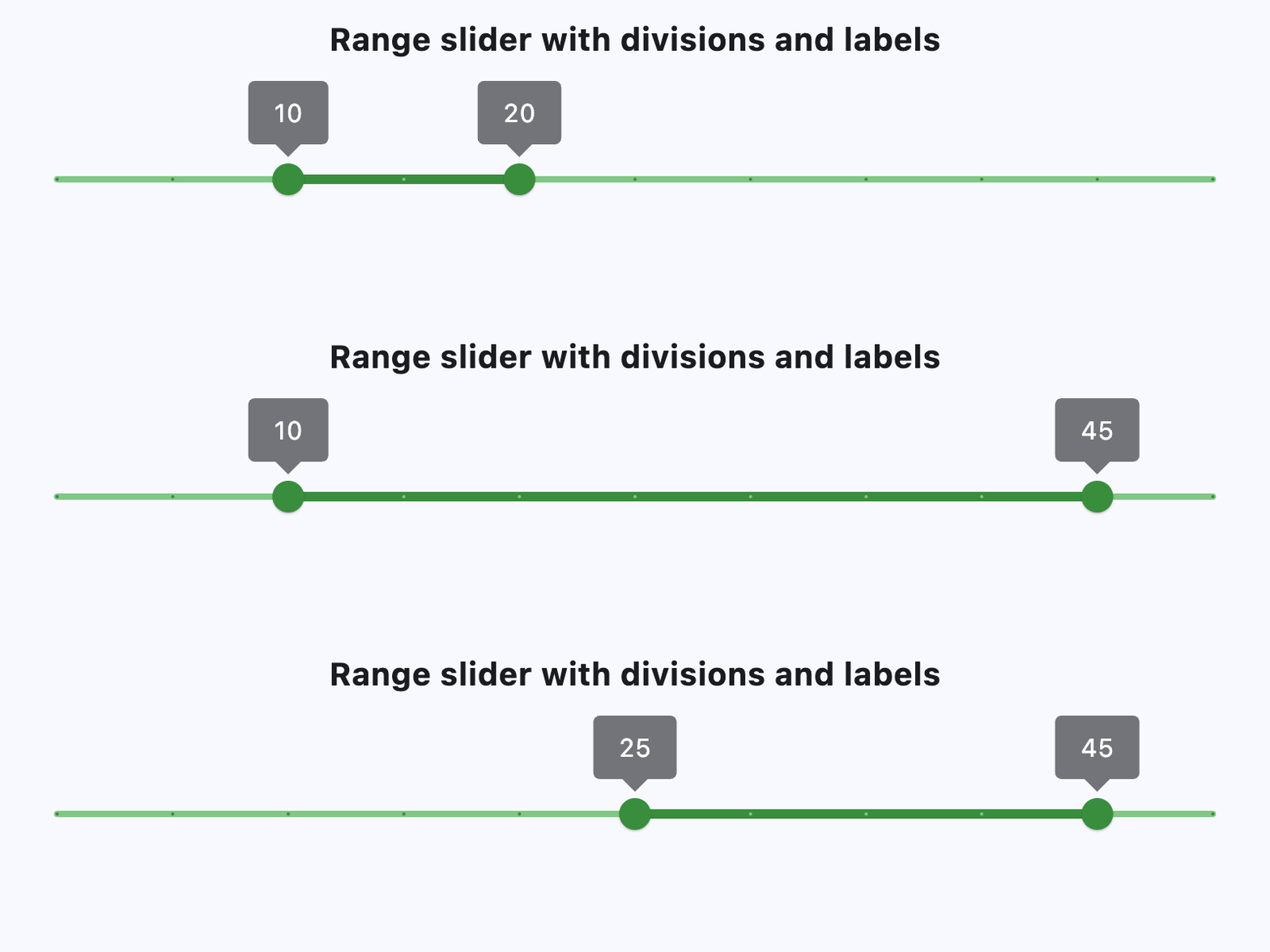
Basic Example#
import flet as ft


def main(page: ft.Page):
    page.add(
        ft.Column(
            horizontal_alignment=ft.CrossAxisAlignment.CENTER,
            controls=[
                ft.Text(
                    value="Range slider with divisions and labels",
                    size=20,
                    weight=ft.FontWeight.BOLD,
                ),
                ft.Container(height=30),
                ft.RangeSlider(
                    min=0,
                    max=50,
                    start_value=10,
                    divisions=10,
                    end_value=20,
                    inactive_color=ft.Colors.GREEN_300,
                    active_color=ft.Colors.GREEN_700,
                    overlay_color=ft.Colors.GREEN_100,
                    label="{value}",
                ),
            ],
        )
    )


if __name__ == "__main__":
    ft.run(main)
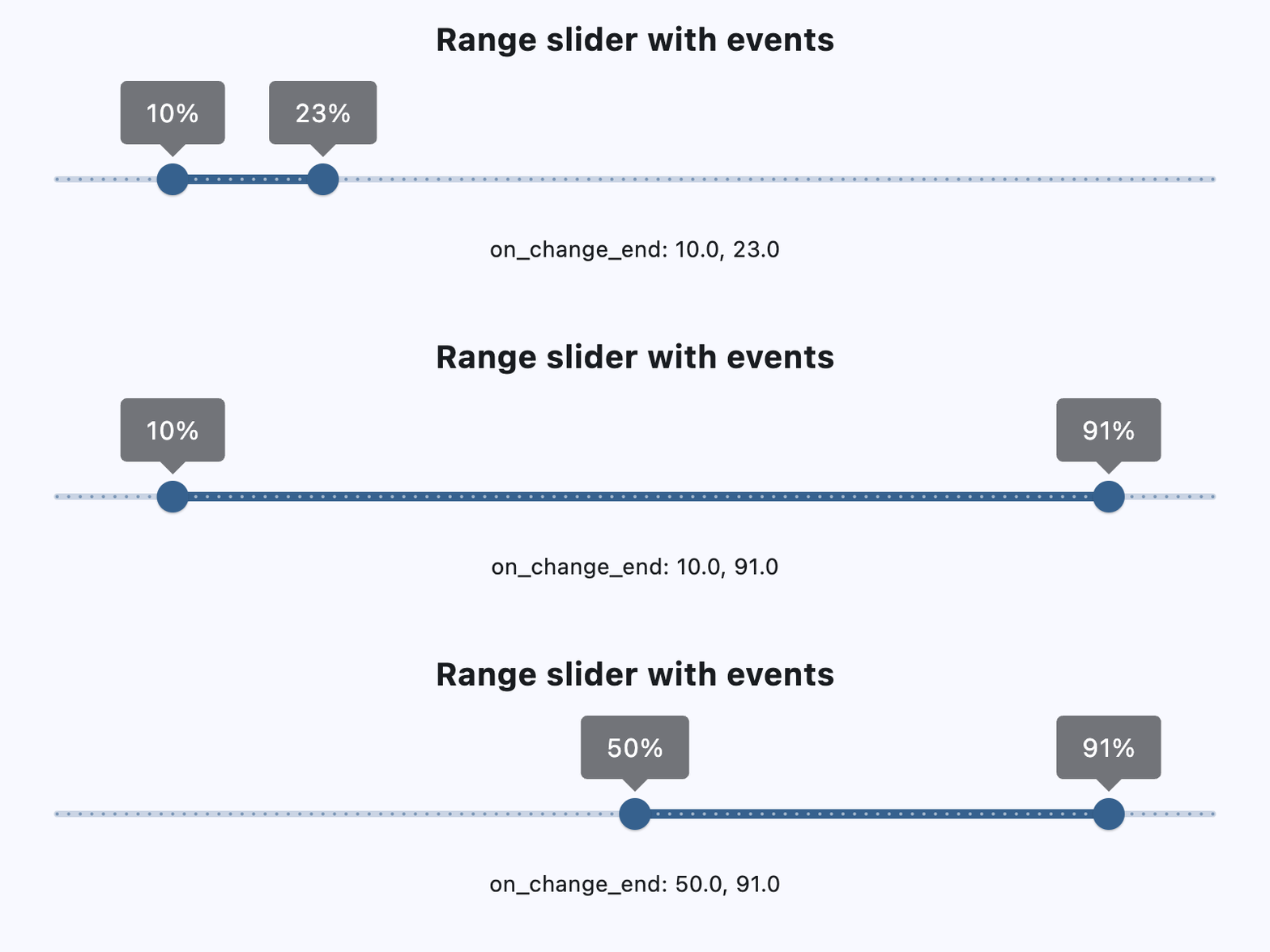
RangeSlider with events#
import flet as ft


def main(page: ft.Page):
    page.scroll = ft.ScrollMode.AUTO

    def handle_slider_change_start(e: ft.Event[ft.RangeSlider]):
        print(f"on_change_start: {e.control.start_value}, {e.control.end_value}")

    def handle_slider_change(e: ft.Event[ft.RangeSlider]):
        print(f"on_change: {e.control.start_value}, {e.control.end_value}")

    def handle_slider_change_end(e: ft.Event[ft.RangeSlider]):
        print(f"on_change_end: {e.control.start_value}, {e.control.end_value}")
        message.value = f"on_change_end: {e.control.start_value}, {e.control.end_value}"
        page.update()

    page.add(
        ft.Column(
            horizontal_alignment=ft.CrossAxisAlignment.CENTER,
            controls=[
                ft.Text(
                    value="Range slider with events",
                    size=20,
                    weight=ft.FontWeight.BOLD,
                ),
                ft.Container(height=30),
                ft.RangeSlider(
                    divisions=100,
                    min=0,
                    max=100,
                    start_value=10,
                    end_value=20,
                    on_change_start=handle_slider_change_start,
                    on_change=handle_slider_change,
                    on_change_end=handle_slider_change_end,
                    label="{value}%",
                ),
                message := ft.Text(),
            ],
        )
    )


if __name__ == "__main__":
    ft.run(main)
Properties#
class-attribute
instance-attribute
#
active_color: ColorValue | None = None
The color to use for the portion of the slider track that is active.
The "active" segment of the range slider is the span between the thumbs.
class-attribute
instance-attribute
#
divisions: int | None = None
The number of discrete divisions.
Typically used with label to show the current discrete values.
If not set, this slider is continuous and label is not displayed.
Raises:
-
ValueError–If it is not strictly greater than
0.
instance-attribute
#
end_value: Number
The currently selected end value of this slider.
The right thumb of this slider is drawn at a position that corresponds
to this value. Use label to change the label displayed on the thumb.
Raises:
-
ValueError–If it is not less than or equal to
max. -
ValueError–If it is not greater than or equal to
start_value.
class-attribute
instance-attribute
#
inactive_color: ColorValue | None = None
The color for the inactive portions of the slider track.
The "inactive" segments of the slider are the span of tracks between the min and the start thumb, and the end thumb and the max.
class-attribute
instance-attribute
#
label: str | None = None
A label to show above the slider thumbs when the slider is active.
It may contain {value} which will be replaced with realtime values of
start_value and end_value, in the corresponding slider thumbs.
If not set, then the labels will not be displayed.
If divisions is not set, this slider is
continuous and labels are not displayed.
class-attribute
instance-attribute
#
max: Number = 1.0
The maximum value the user can select.
If the max is equal to the min, then the slider is disabled.
Raises:
-
ValueError–If it is not greater than or equal to
end_value. -
ValueError–If it is not greater than or equal to
min.
class-attribute
instance-attribute
#
min: Number = 0.0
The minimum value the user can select.
If the max is equal to the min, then the slider is disabled.
Raises:
-
ValueError–If it is not less than or equal to
start_value. -
ValueError–If it is not less than or equal to
max.
class-attribute
instance-attribute
#
mouse_cursor: ControlStateValue[MouseCursor] | None = None
The cursor for a mouse pointer entering or hovering over this control.
class-attribute
instance-attribute
#
overlay_color: ControlStateValue[ColorValue] | None = None
The highlight color that's typically used to indicate that the range slider thumb is in ControlState.HOVERED or ControlState.DRAGGED state.
class-attribute
instance-attribute
#
round: int = 0
The number of decimals displayed on the label containing {value}.
Defaults to 0 - value rounded to the nearest integer.
Raises:
-
ValueError–If it is not between
0and20, inclusive.
instance-attribute
#
start_value: Number
The currently selected start value for this slider.
The left thumb of this slider is drawn at a position that corresponds
to this value. Use label to change the label displayed on the thumb.
Raises:
-
ValueError–If it is not greater than or equal to
min. -
ValueError–If it is not less than or equal to
end_value.
Events#
class-attribute
instance-attribute
#
on_change: ControlEventHandler[RangeSlider] | None = None
Called when the state of this slider is changed.
class-attribute
instance-attribute
#
on_change_end: ControlEventHandler[RangeSlider] | None = (
    None
)
Called when the user is done selecting a new value for this slider.
class-attribute
instance-attribute
#
on_change_start: ControlEventHandler[RangeSlider] | None = (
    None
)
Called when the user starts selecting a new value for this slider.